
Classic Contra.
Play instantly.
Play the original Contra in your browser. Run, jump and shoot through jungle and base stages, with infinite lives, auto-fire, and keyboard or touch controls.

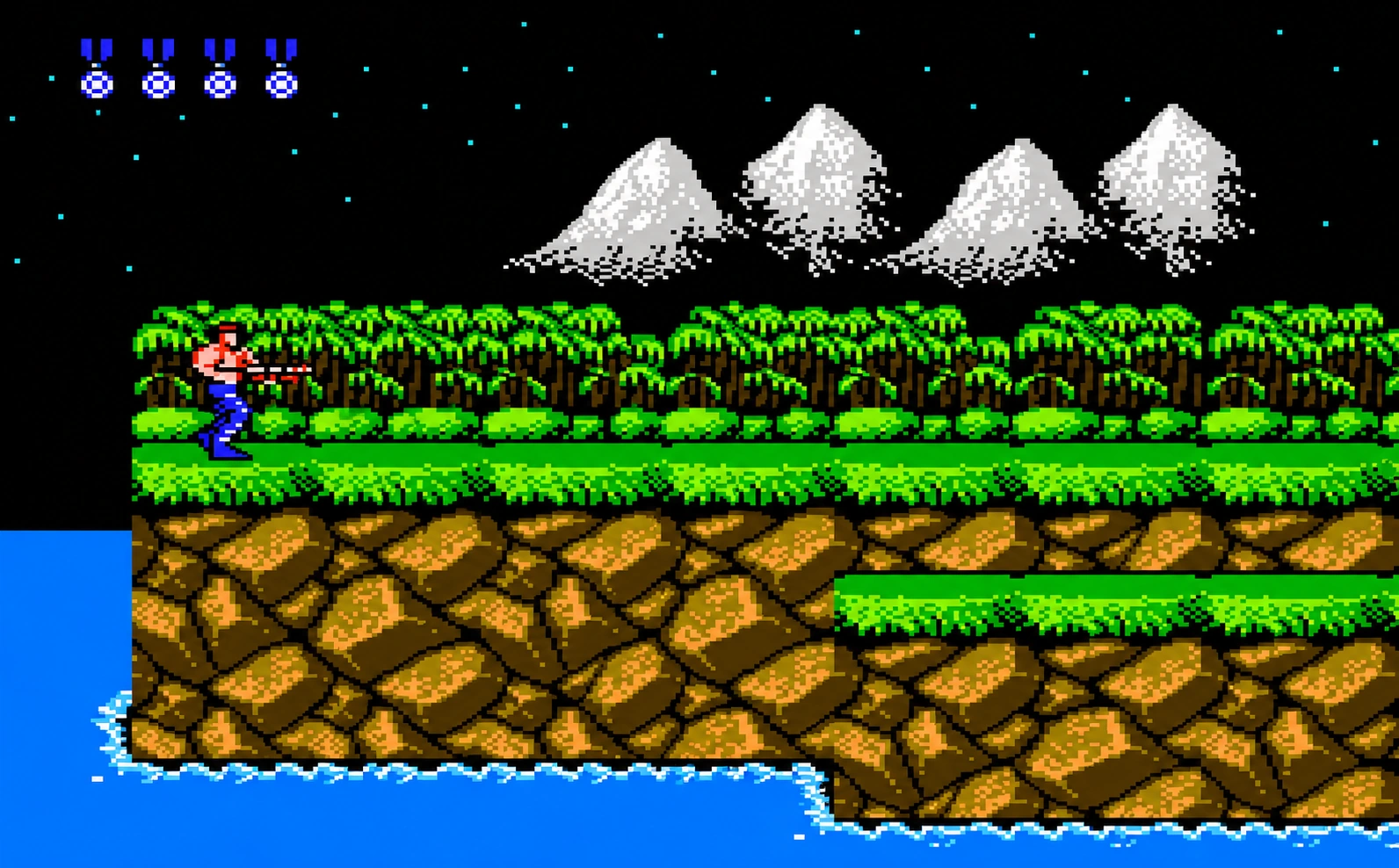
Play in your browser. No installation needed.
 Loading Contra…The game could not load. Please reload to try again.
The first launch may take a moment.
 Infinite lives
 Auto-fireKeyboard & touch
Play the original Contra in your browser. Run, jump and shoot through jungle and base stages, with infinite lives, auto-fire, and keyboard or touch controls.
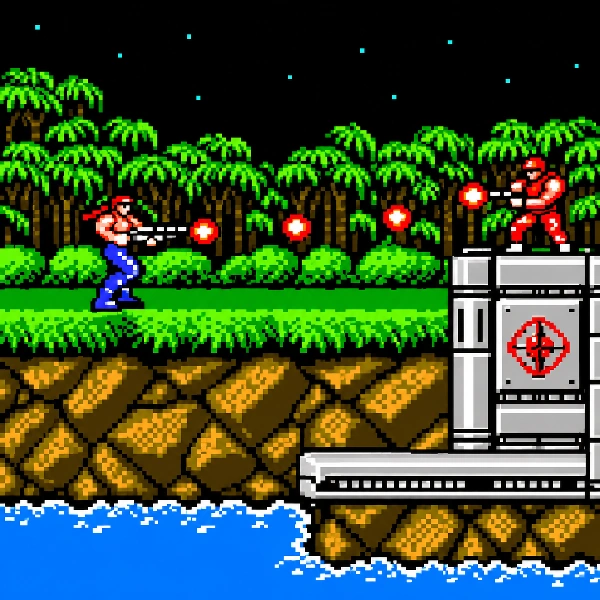
Keep moving to avoid incoming shots.
Shoot enemies and turrets as you advance.
Avoid attacks and jump onto higher platforms.
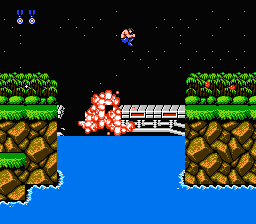
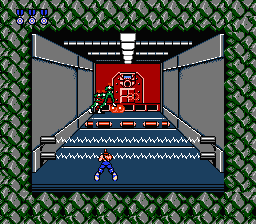
Fight through eight stages, from the jungle to the alien's lair. Cross outdoor stages, climb the waterfall and battle your way through enemy bases.
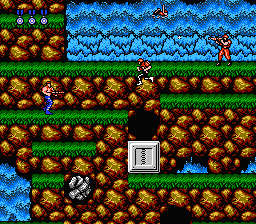
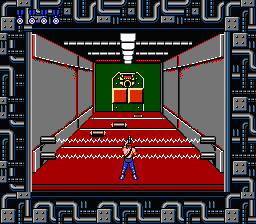
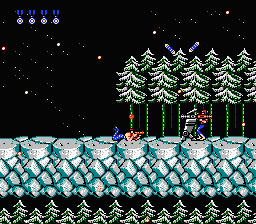
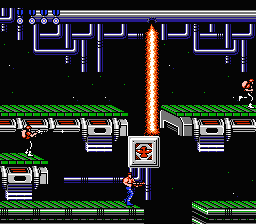
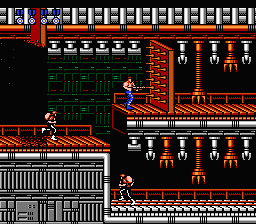
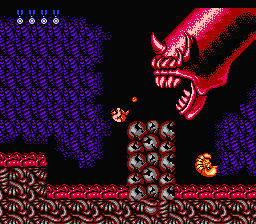
Shoot the flying capsules or stationary weapon boxes, then collect a lettered power-up to switch weapons.

Fires a steady stream of bullets in the direction you aim.

Bullets fan out in several directions to cover a wider area.

A focused laser beam strikes along your aiming direction.

Fireballs travel in a distinctive corkscrew pattern.
Infinite lives and auto-fire make it easier to practice the classic stages, whether you play with a keyboard or on your phone.

Press PLAY NOW to start right here. No game client to install.
Enabled by default, so you can learn stages, practice jumps and keep trying against bosses.
Hold the shoot button for continuous fire and focus on moving and dodging.
Use a keyboard on your computer or the joystick and buttons on your phone. Fullscreen gives you more room.
Play in your browser above, or install the native build on your own device. The Android APK is ready now; the iOS and Windows versions are still in development.
Android 8.0 or newer. If your browser warns about unknown sources, allow the install to continue.
Download APKA native iPhone and iPad build is in development.
A desktop build for Windows 10 and 11 is in development.
Move and change your firing direction.
Move and aim in eight directions.
Click inside the game first. Wait for the title music to finish, then press Enter / START to begin.
Infinite lives are on. The counter stays at 30 — no cheat code needed.
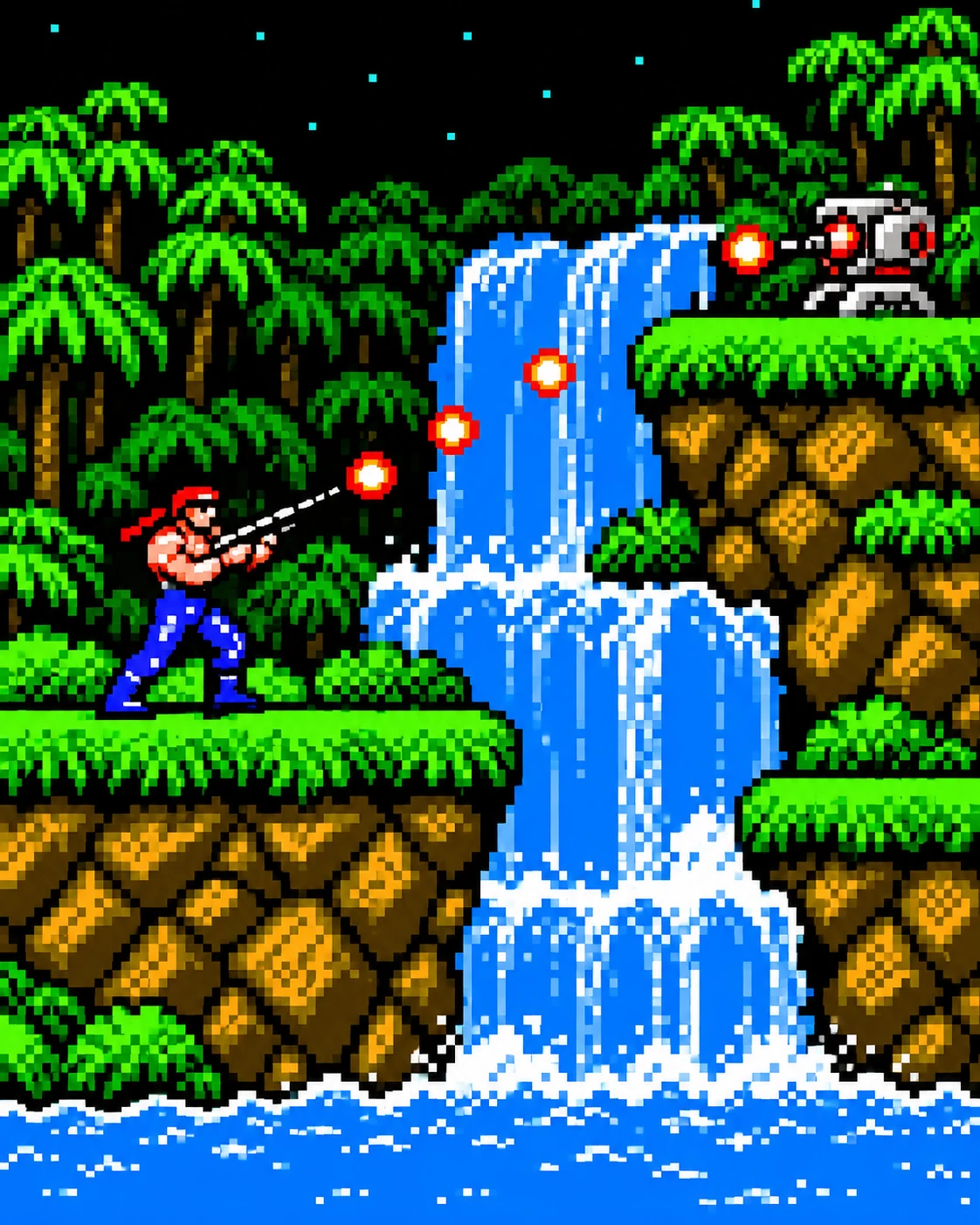

No installation or browser plugin is needed. Click PLAY NOW, let the game load, then press Enter or tap START on your phone to begin.
No account or login is needed. Just open the page and click PLAY NOW.
Keyboard and touch controls currently support one player. The title screen still shows the original game's shared-screen “2 PLAYERS” option, but this web version has no controls for a second player. Online multiplayer is not available.
It's already on, with no cheat code needed. This version gives you infinite lives, so the life counter stays at 30, even after you restart.
Your browser needs to load the game files the first time you play. Once they're ready, you'll see the player selection screen. Later visits are usually quicker if those files are still cached.
Turn your phone sideways. Use the joystick on the left to move and the buttons on the right to shoot and jump. Tap Fullscreen for a larger view.
Click or tap inside the game, or press a game key, to enable audio. If you still cannot hear anything, check the mute button and volume in the game menu.
Press Enter / START during play to pause or resume. The game menu also lets you restart, mute the sound or enter fullscreen. Infinite lives remain active after a restart.
Keep moving and watch when enemies fire. Aim diagonally at enemies above you, and check your landing spot before jumping. Hold the shoot button for continuous fire while you move.